How Many Megabytes Is Too Many for a Mini-Game?
There is no magic number, and anyone who gives you one is selling a rule of thumb as a law. But there is a real, measurable cost to size, and for mini-games it bites harder than for native apps — because the player is often fetching your payload on demand, inside someone else's runtime, on a mid-range phone over a shaky connection. Here is how to think about the budget instead of guessing it.
Q: Why does bundle size hit mini-games harder than native apps?
A native app is downloaded once, cached by the OS, and prewarmed by the platform. A mini-game frequently runs inside a host app's WebView or runtime that itself has a memory and startup budget, and your payload is fetched when the player taps — not installed days earlier. So your cold start is download + parse + first paint, and every megabyte is time the player spends staring at a spinner. On a budget Android in an emerging market, the gap between a 3MB and a 10MB initial payload is the gap between a player who waits and a player who bounces before the first frame. Native apps amortize that cost; you eat it per session.
Q: What's the actual budget, and how do you measure it?
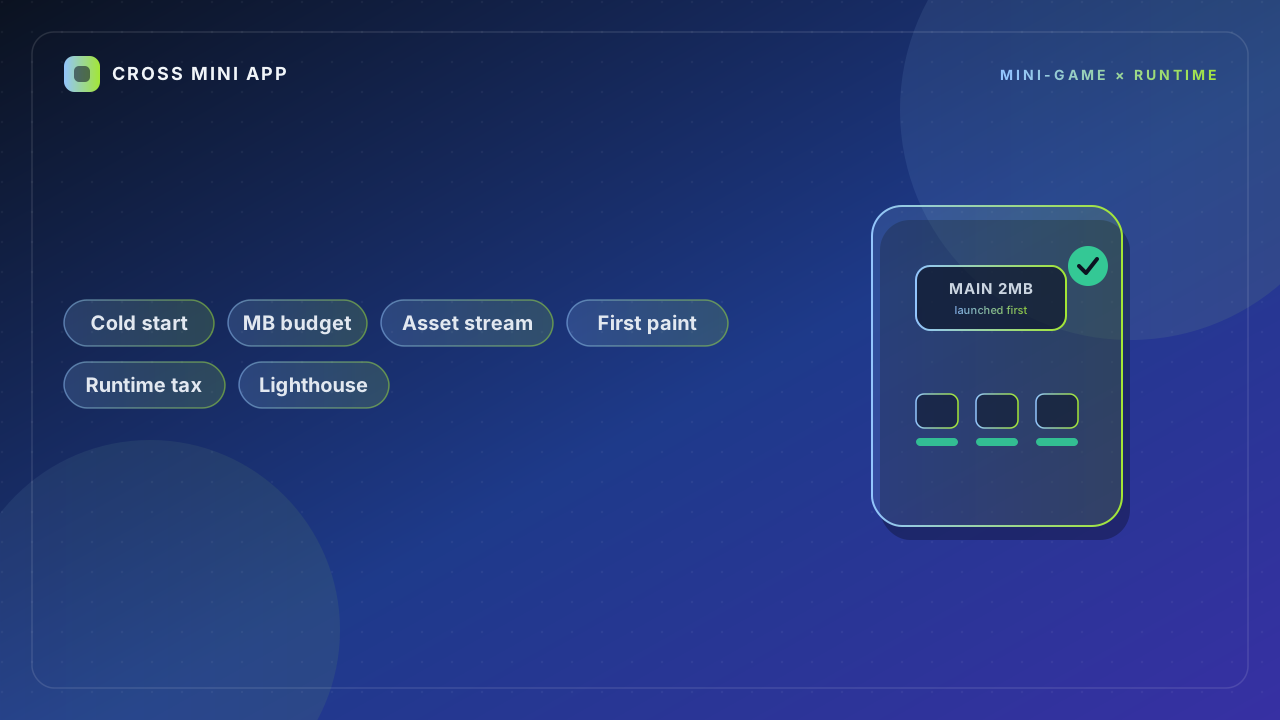
Skip the megabyte debate and measure what players feel: time-to-interactive on a throttled profile, not your dev laptop on wifi. A useful target is under ~4MB for the initial playable payload, streaming everything else. Then test it the way players actually experience it — 4G throttled, a mid-tier device, cleared cache — using Lighthouse, WebPageTest, or the platform's own trace tool. The trap is optimizing download size while a single huge JavaScript file blocks the main thread on parse: a smaller file that paints slow is worse than a larger file that paints fast. Size is a proxy; interactivity is the truth.
Q: Where does the weight actually come from?
Three suspects, and the third is the one teams miss. First, engine and runtime overhead — the framework you chose has a floor, and some are heavier than others. Second, asset bloat: uncompressed audio, 4K textures for a 2D puzzle, sprite sheets nobody trimmed. Third, and the silent killer, third-party SDKs. Analytics, ads, auth, crash reporting — each quietly adds 0.5–2MB and a network round trip on startup. Teams agonize over their own 200KB of code and ignore six SDKs pulling 4MB. Audit the dependency tree and label each SDK load-bearing or decorative; most are decorative and all of them tax first paint.
Q: How do you keep it small without rewriting the game?
You rarely need a rewrite. Stream assets and lazy-load: don't ship level 50's textures on day 1, fetch them when the player gets there. Compress audio to a modern codec, build texture atlases, and initialize SDKs after first paint instead of before it. Pick a runtime or engine with a small footprint from the start — this is a decision you make once and live with for the whole project. The tradeoff to name out loud: aggressive code-splitting reduces initial size but adds a little latency on later loads, so you're trading immediate-first-paint against total-size. Measure both, don't assume the split helped.
| Lever | Impact on cold start | Effort | Risk if ignored |
|---|---|---|---|
| Initial payload < 4MB | high | medium | bounce before first frame |
| Asset streaming / lazy load | high | medium | ships weight you don't need now |
| SDK audit & post-paint init | very high | low | silent 4MB tax |
| Engine / runtime choice | high | high (early) | locked-in floor |