The list is the product
Finance screens live or die by long lists: a watchlist of hundreds of tickers, an order book updating continuously, a trade history that grows without limit. The Web Almanac and Lighthouse data make the danger concrete. The median mobile page carries about 594–616 DOM elements, and the heaviest 10% carry close to 1,700–1,900; Lighthouse begins warning above 800 nodes and flags an error above 1,400–1,500. A single 1,000-row list rendered the web way can blow past every one of those thresholds — and every scroll, hover, and tap then forces the browser to recompute style and layout for the entire tree, which is exactly how Interaction to Next Paint (INP) collapses.
WebView renders every row as a node
A WebView builds a long list the document way: each row is a DOM node, all of them live in memory at once. On scroll, the browser must lay out and paint thousands of nodes, and style recalculation touches hundreds of elements per interaction. Past a few hundred rows this shows up as dropped frames, memory creep, and eventually white screens as the render layer falls behind. The web has mitigations — content-visibility: auto, virtual-list libraries like react-window — but they are opt-in patches on top of an architecture that was never designed to recycle nodes, and they add framework weight and accessibility footguns.
A mini-program recycles only what is visible
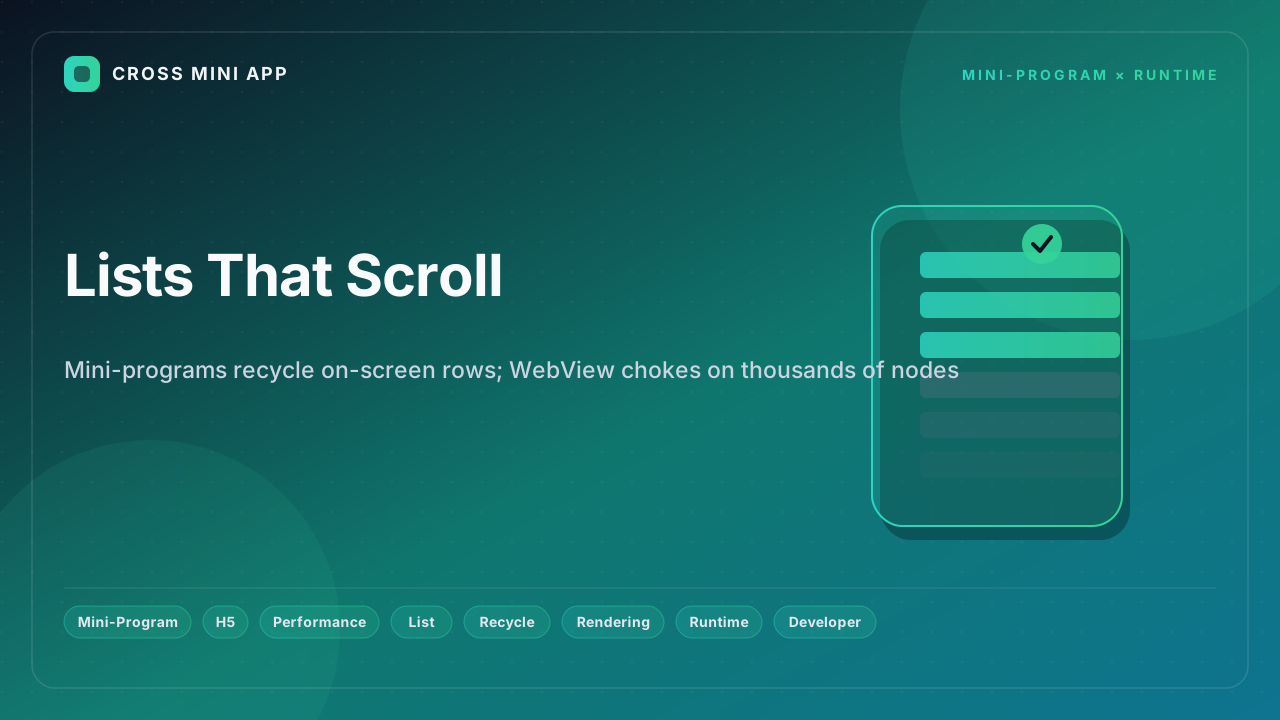
A governed runtime treats a long list as a native widget. WeChat's recycle-view renders only the rows currently in view and recycles node instances as the user scrolls — the components stay fixed and only the data moves. The newer scroll-view with type="list" (under the Skyline renderer) removes the logic↔render JSBridge entirely: scroll and render run on the same thread with synchronous rasterization, so there is no white screen when scrolling fast, and memory stays low. The older WebView-style scroll-view paid a JSBridge conversion cost and used async block rasterization, which white-screened when it could not keep up. Recycling is the default, not a library you bolt on.
Side by side
| Dimension | H5 / WebView | Mini-Program (recycle-view / Skyline) |
|---|---|---|
| Nodes in a 1,000-row list | Thousands of live DOM nodes | Only on-screen rows (~tens) |
| Style recalc on scroll | Whole tree per interaction | Recycled, minimal work |
| Logic↔render bridge | JSBridge conversion cost | None (same thread, sync raster) |
| Rasterization | Async; white screen on fast scroll | Synchronous; no white screen |
| Memory | High; crash risk | Low |
| INP impact | Large DOM → poor INP | Small DOM → good INP |
What this means for your lists
For data-dense, ever-growing surfaces — tickers, order books, transaction logs — node recycling is the difference between a native feel and a slideshow. A runtime that recycles by construction keeps frame pacing predictable on low-end Android, where the global installed base lives and where a 1,000-row list is routine. H5 remains the right tool for documents and the open web; the in-host data surface should not stutter when it is fed a thousand rows.
Where Cross Mini App fits
Cross Mini App is the runtime and open catalog for this model. You build a mini-program against a standard API surface and it inherits a list path that recycles on-screen rows in every host that embeds it — not a WebView that instantiates thousands of nodes and stalls. Smooth lists are designed in, not hoped for. H5 shows the rows; the mini-program lets you scroll them.