

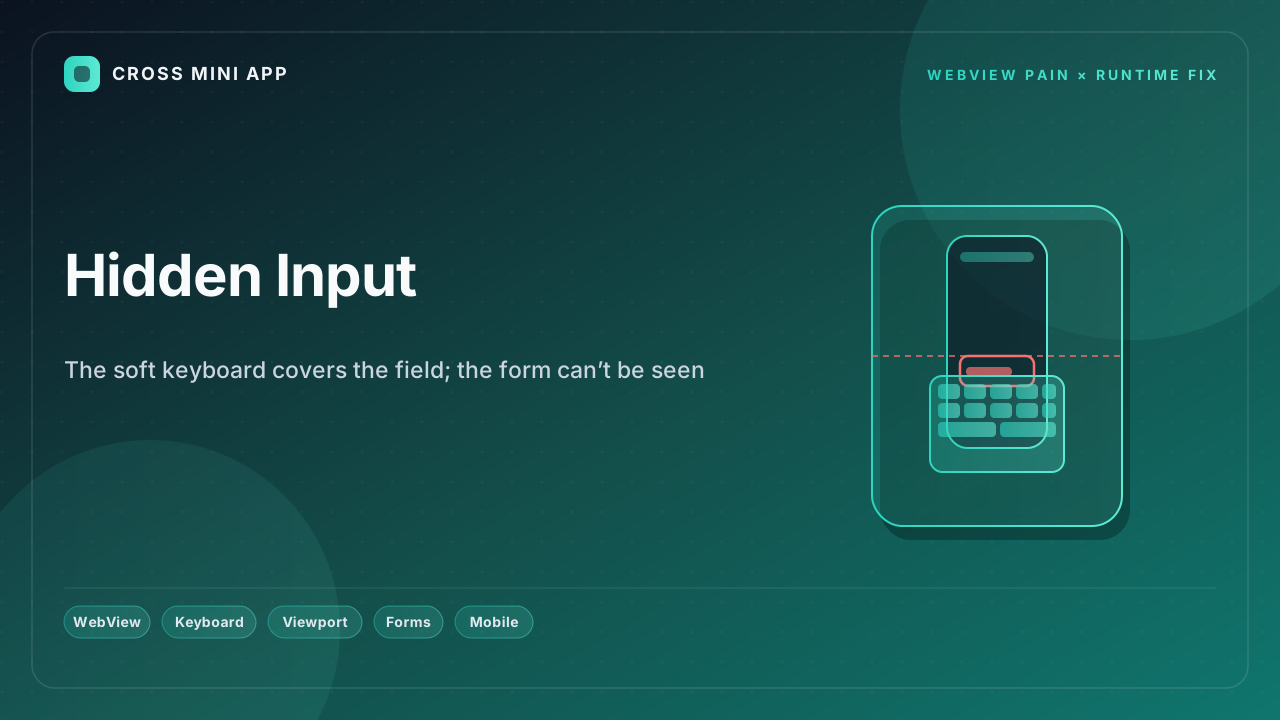
A native app ships a keyboard-aware layout: when the soft keyboard appears, the focused field scrolls into view and nothing is hidden. Inside a WebView that guarantee is gone. WebView does not independently resize the visual viewport when the IME shows; the page cannot see the keyboard's geometry; and on both Android and iOS the input the user is typing into is routinely covered. Login and payment forms become a blind box. A host-owned runtime provides a keyboard-aware bridge — the host reports the IME rectangle to the page and keeps the focused field visible.
WebView can't see the keyboard
On Android, Chrome 108+ changed keyboard handling so the browser resizes only the visual viewport and leaves layout untouched (resizes-visual). WebView was explicitly excluded from that change. A still-open Chromium bug report (issue 40287394) confirms WebView "can't resize the Visual Viewport independently of the Layout Viewport," and the Virtual Keyboard API simply does not work there — the boundingRect is zeroed and the geometrychange event never fires. So with adjustResize the whole layout jumps; with adjustPan the layout slides but the top is clipped; and the page has no reliable signal of where the keyboard is.
iOS hides the field too
On iOS, WKWebView does not automatically scroll the focused input into view when the keyboard appears, and the visualViewport API behaves inconsistently across versions. The result is the same: the field the user is typing into sits behind the keyboard, and the page cannot bring it forward because it never learns the keyboard's size or position.
What breaks when the field is hidden
- Login fails silently. The password field is under the keyboard; the user types blind and submits the wrong credentials.
- Payments stall. Card and OTP inputs are covered; checkout cannot proceed.
- Layout jumps.
adjustResizereflows the entire page; sticky and fixed elements break. - Version roulette. WebView 139+ now resizes the visual viewport on keyboard — but the resize event has been observed clearing input focus and hiding the keyboard again.
- No consistent API.
dvhunits help only on newer engines; older WebViews still compute100vhwith the keyboard area included.
The runtime fix
A host-owned runtime owns the keyboard. The host listens for IME show/hide at the native layer, computes the keyboard rectangle, and bridges it to the page as a keyboard-inset signal. The page then keeps the focused field inside the visible area — scrolling it into view or driving layout from the inset — without relying on the engine's unreliable resize. One behavior, every device, every OS version.
| Dimension | WebView | Host-owned runtime |
|---|---|---|
| Keyboard geometry | Invisible to page | Bridge reports IME rect |
| Visual viewport resize | Not independent (Android) | Host-driven, consistent |
| iOS focused field | Not auto-scrolled | Host scrolls into view |
| adjustResize side effects | Layout jump | None — inset-aware |
| Cross-version behavior | Breaks per WebView build | Stable |
| Input focus | Lost on some resizes | Preserved |
A native app never lets the keyboard eat the field. A stock WebView regularly does. A runtime puts the keyboard where the page can see it — and the field back where the user can.
Sources
- Chromium Issue Tracker — WebView can’t resize the Visual Viewport independently — open bug; Virtual Keyboard API nonfunctional in WebView.
- Android Developers — Understand window insets in WebView — how WebView receives keyboard insets.
- Chrome for Developers — Viewport resize behavior (Chrome 108+) — resizes-visual that WebView never got.
- Honor — Android 17 compatibility guide (WebView 139 keyboard + focus bug) — resize clearing focus, hiding keyboard.
- MDN — Visual Viewport API — the viewport the keyboard should resize.


