

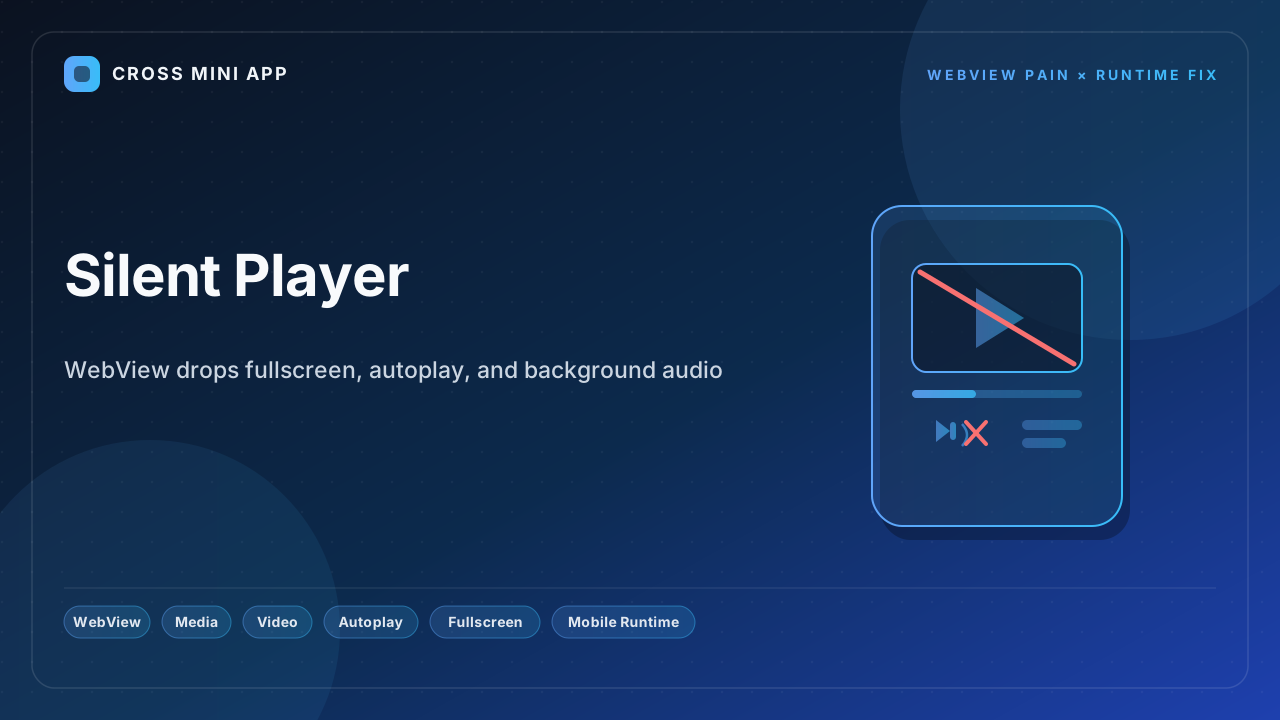
A native app controls its own media: fullscreen, autoplay, and background audio all behave. Inside a WebView that control is gone. Fullscreen needs a custom native view the host must build by hand; autoplay is blocked unless the host flips two hidden configuration flags; and background audio dies the moment the app backgrounds. A host-owned runtime provides a media bridge — a single, predictable playback surface across every device.
WebView can't go fullscreen on its own
On Android, HTML requestFullscreen() does nothing for a <video> unless the app's WebChromeClient overrides onShowCustomView() and onHideCustomView(). The WebView hands the video surface to the host and waits; if the host does not implement the callback, the fullscreen button is simply dead. Cross-version behavior is worse: since Android 4.0 the callback receives a private inner-class surface, so detecting playback end or wiring custom controls means reflection and per-version branching — the kind of fragility that breaks on the next OS update.
iOS forces fullscreen or silence
On iOS, WKWebView defaults allowsInlineMediaPlayback to false, so even a playsinline video is yanked into the system fullscreen player the instant it starts. Autoplay is equally gated: with the default mediaTypesRequiringUserActionForPlayback, a muted autoplay still needs a gesture, so the "video as banner" pattern silently stalls. Picture-in-Picture only works if the inline player is already an AVPlayerViewController — and it cannot be entered automatically when the app backgrounds, because a visibilitychange event is not a user interaction.
What breaks when media is half-wired
- Fullscreen is a dead button. Tap it on Android and nothing happens unless the host wired
onShowCustomView. - Inline video pops to fullscreen. iOS ignores
playsinlineunless the host set the flag at configuration time — changing it afterward silently fails. - Autoplay stalls. No gesture, no playback; the only escape is two hidden native flags set before the WebView is even created.
- Background audio dies. The moment the app backgrounds, WebView media pauses; PiP is the only path, and it is not automatic.
- Cross-version chaos. Android's private surface class and iOS' flags differ on every OS build.
The runtime fix
A host-owned runtime owns media. The host implements the fullscreen handoff natively, exposes a uniform playback API to the page, sets the inline and autoplay flags once at configuration, and bridges background audio to the OS media session. One media surface, every device, every OS version — instead of one web page that works on the engineer's phone and breaks on the user's.
| Dimension | WebView | Host-owned runtime |
|---|---|---|
| Fullscreen | Dead unless host overrides onShowCustomView | Host-driven handoff |
| iOS inline playback | Ignores playsinline by default | Flag set at config |
| Autoplay | Blocked without gesture | Predictable policy |
| Background audio | Pauses on background | OS media-session bridge |
| Picture-in-Picture | Not automatic | Host-controlled |
| Cross-version | Breaks per build | Stable |
A native app never loses control of its media. A stock WebView routinely does. A runtime hands the page one predictable player — and keeps the audio alive when the app backgrounds.
Sources
- Android Developers — WebChromeClient#onShowCustomView — the callback a host must implement for fullscreen video.
- webkit.org — New video policies for iOS — why
playsinlineand autoplay are gated in WebKit. - Apple Developer Forums — PiP and background playback in WKWebView — DTS engineer on the inline-to-PiP handoff and
visibilitychangelimits. - MDN — Autoplay guide — the user-gesture and muted-autoplay rules every engine applies.
- Thomas Visser — Autoplaying video in WKWebView — the two WKWebView flags that make inline autoplay work.


