

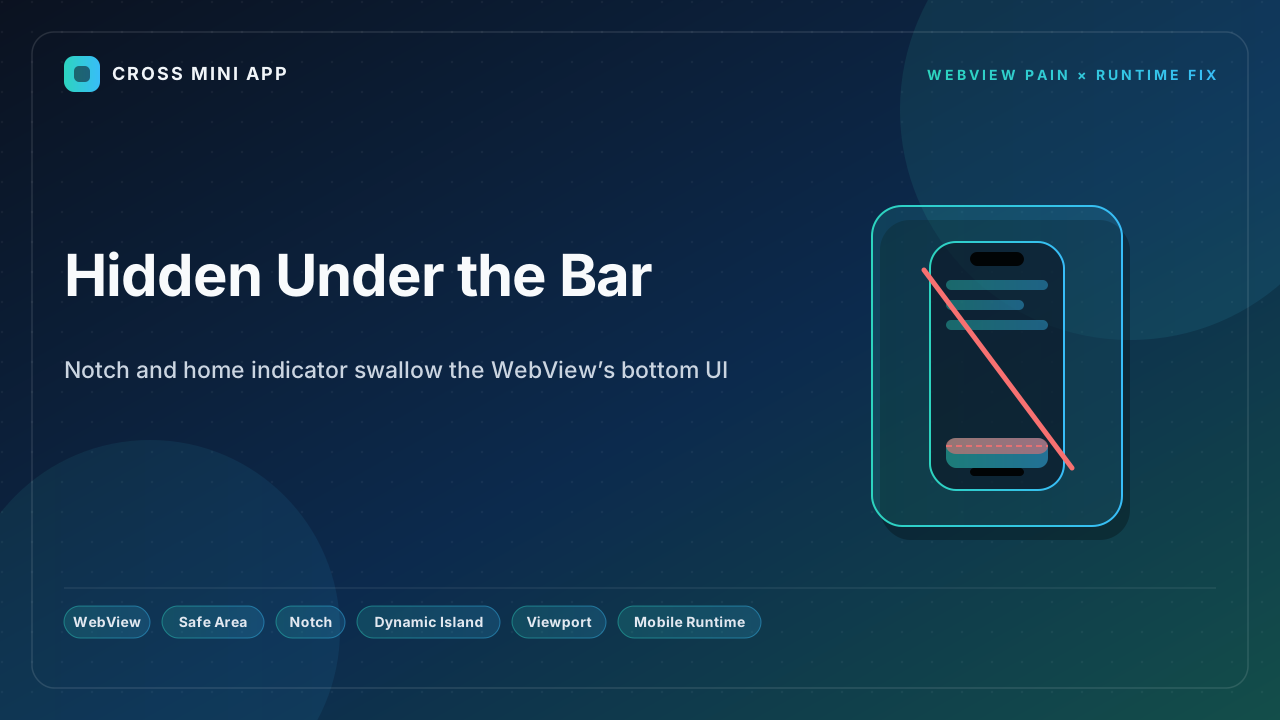
On the open web, env(safe-area-inset-*) keeps your buttons clear of the iPhone notch, Dynamic Island, and home indicator. Inside a WebView the same variables can resolve to zero, the first paint can ignore them, and the bottom action bar — the order button, the trade confirm, the connect-wallet button — slides under the home swipe bar where taps never register. For a trading app, that means the control users most need is the one they cannot reach. A host-owned runtime surfaces native safe-area insets so every engine respects the hardware.
Edge-to-edge is the default trap
iOS exposes safe zones as CSS env(safe-area-inset-top/right/bottom/left). They only carry a real value when the page opts into viewport-fit=cover — which is exactly what most full-screen app shells do to look native. Opt in, and the browser draws content edge to edge, underneath the Dynamic Island and the home indicator. If you forget to pad your fixed chrome with env(), the header hides behind the pill and the bottom bar slides under the home bar. On Android, Chrome handles notches differently and the variable resolves to zero on many devices, so the same CSS that looks fine on one phone is broken on another.
WKWebView breaks the first paint
WebKit bug 191872 makes this worse: env(safe-area-inset-*) values may not be set until a short time after the page loads in a WKWebView. If your initial layout depends on them, users see a flash of wrong layout — the CTA sitting under the home indicator — before WebKit catches up. A common workaround is to add a max() fallback like padding-bottom: max(12px, env(safe-area-inset-bottom)) and to re-trigger layout after load. After a rotation (portrait → landscape → portrait) the inset values can also get stuck at zero until the next layout pass, so a page that was correct becomes wrong.
What breaks when the UI is occluded
- The order / trade button is unreachable. The primary call-to-action sits under the home indicator, where taps are swallowed by the system gesture.
- Connect-wallet and confirm steps vanish. The button that completes a flow is the one hidden by the hardware bar.
- Headers and status disappear under the Island. Titles, balances, and nav controls slip behind the notch cutout.
- Landscape trading views break worst. The notch rotates to the side and insets change, but the WebView may not recompute — leaving side controls clipped.
The runtime fix
A host-owned runtime reads the native safe-area insets from the platform and feeds them to the page as a reliable set of values — through a bridge API or injected CSS variables — so env() always resolves correctly on first paint and after rotation. The host keeps the bottom action bar above the home indicator, the header clear of the Island, and the layout stable across orientations. One integration, every engine, a UI the user can actually touch.
| Dimension | WebView | Host-owned runtime |
|---|---|---|
| Inset source | CSS env() (can be 0) | Native insets from platform |
| First paint | Bug 191872: blank insets | Reliable from first paint |
| Rotation | Stuck at 0 | Recomputed |
| Bottom CTA | Under home bar | Clear of home bar |
| Header | Under Island | Clear of Island |
| Consistency | Per-engine | Uniform |
A native app pins its chrome above the home indicator on every phone. A stock WebView leaves the most important button where taps die. A runtime gives the page real insets — and a UI the user can reach.
Sources
- WebKit Bug 191872 — env(safe-area-inset-*) not set on first paint — safe-area inset values may be zero until shortly after load in WKWebView, causing a flash of wrong layout.
- Apple Developer — Human Interface safe areas — keep content clear of the notch, Dynamic Island, and home indicator using safe-area insets.
- meta viewport — viewport-fit=cover and safe-area insets —
viewport-fit=coverlets content draw into the notch/Dynamic Island area and requiresenv()padding to keep it clear. - WKWebView Gotchas — Safe-area insets, keyboard, and rotation — WebKit bug 191872 and rotation bugs where insets get stuck at 0.
- Saabbir Hossain — Safe Area Insets (Notch & Home Bar) — the
env()fix and browser support forsafe-area-inset-*on iOS 11+.


