The engine you did not ask for
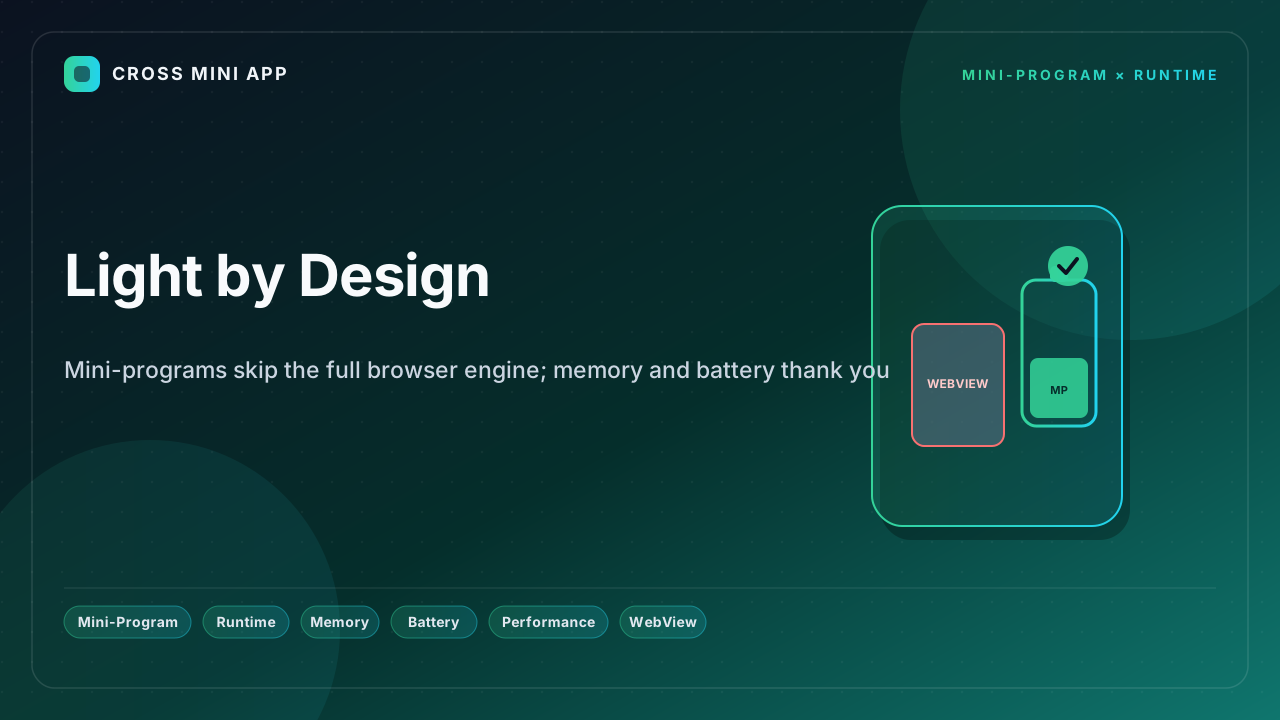
Open a WebView and you open a browser. Android's own documentation calls WebView essentially a full-featured browser engine (Chromium) with a significant memory footprint and a complex multi-process architecture. You did not ask for a second browser inside your app; you asked to show a screen. Yet the cost is unavoidable: the engine, its JavaScript runtime, its renderer, and its caches all load before a single pixel of your content appears.
What the full engine costs
The numbers are not subtle. Android's WebView guide notes that the renderer process is isolated and that its memory is accounted for separately from your app — meaning the headline figure in your profiler understates the true cost. Independent engineering measurements put a single WebView instance at 60–150 MB for simple pages and 200 MB-plus for complex ones on Android, with WKWebView on iOS at roughly 60–100 MB for a simple list and 150–200 MB for a media-heavy page. A blank page alone costs 60–80 MB on Android and 50–70 MB on iOS before any of your code runs.
Multiply that by tabs, by background pages, by the heavy JavaScript frameworks many H5 pages bundle, and the budget of a mid-range device — the kind most users in emerging markets actually carry — is gone. Memory pressure triggers the system OOM killer or iOS's hard per-process cap, and the page, or the app, dies. None of that memory is doing work your program asked for; it is the engine idling.
The lightweight alternative
A mini-program runtime inverts the model. The platform keeps one shared, pre-warmed engine and spawns only what each program needs: a logic layer, a thin view layer, and the specific pages in use. There is no second full browser per screen, no separate heavy renderer you must destroy by hand, and no V8 or JIT stack spun up from zero every launch. Because the runtime is generic and pre-loaded by the host, a program arrives already warm — the cold-start tax that WebView pays on every launch is largely absorbed by the platform.
The dual-thread split compounds the saving: business logic and rendering are separated so a long computation does not block the frame budget, and only changed data crosses the bridge. The result is a smaller, more predictable memory envelope per program than an equivalent WebView screen.
Battery is memory's silent twin
Memory is only half the story. A full engine running JIT compilation, layout, and paint on a separate process keeps the CPU and GPU busy, and a busy CPU is a draining battery. WebView-based H5 pages that re-fetch, re-parse, and re-render on every visit keep the device working long after a native or runtime surface would have settled. A mini-program, by contrast, keeps its shell local and re-renders only deltas, so the device does less and stays cooler.
For users on devices with limited free storage and constrained batteries — exactly the emerging-market profile — that difference is the difference between a session that lasts and one the user abandons. Less memory, less drain, longer sessions on the same hardware.
What this means for sessions
The practical upshot: a runtime lets a host run many small programs without stacking one heavy browser on another, so the app stays responsive and the battery lasts. Cross Mini App is that generic, pre-warmed runtime — one engine shared across the catalog, each program light by design. You ship breadth without stacking engines.
Sources
- Android Developers — WebView is a full Chromium browser engine with significant memory footprint
- DEV Community — Mini-program dual-thread runtime keeps only what the program needs
- Juejin — measured WebView memory: 60–300 MB by page type, iOS hard caps
- Android Developers — App performance and battery guidance
- Apple Developer — WKWebView reference and energy considerations