
Your Live-Ops Tooling Is the Game After Launch
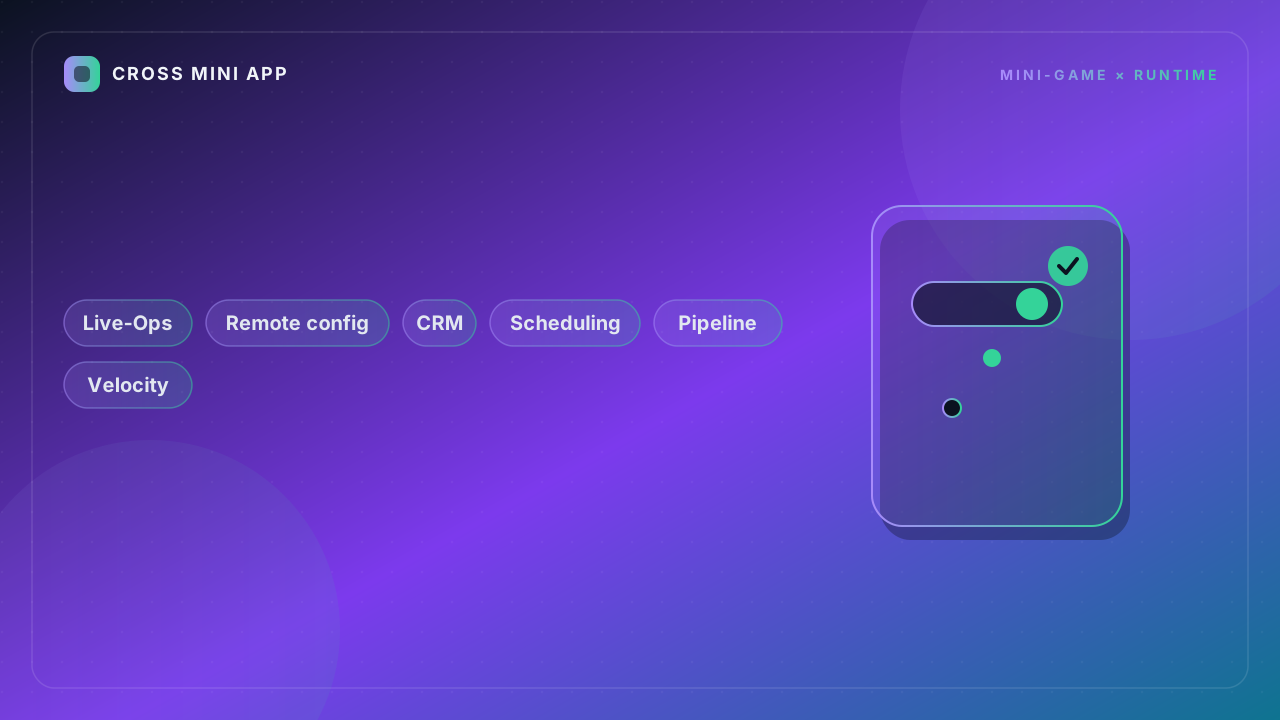
The build ships, and then the real game starts: the one where you change prices, drop events, and rescue a cohort that is churning — without waiting two weeks for an app-store review. Teams that treat live-ops tooling as an afterthought ship a static product. Teams that invest in it ship a living one. The tooling is not infra. It is the second game you are building on top of the first.
Q: Why does live-ops tooling matter more than the launch build?
Because the launch build is a snapshot, and the business is a movie. Within a month you will want to adjust a reward, kill a broken offer, or run a regional event for a holiday you forgot — and if every one of those needs a binary update, you have handed your own velocity to the store review queue. Remote config and a sane event pipeline let you act in minutes. The studios that win live-ops treat config as a product surface with its own tests, rollout, and rollback. The ones that lose it hardcode everything and then wonder why a typo takes a week to fix. Tooling is the difference between reacting to the market and apologizing to it.
Q: What belongs in remote config versus a code change?
The rule: anything a non-engineer should be able to change without a build goes in config. Prices, drop rates, event start and end times, copy, feature flags, difficulty knobs, and segment-specific offers. What stays in code: logic that can corrupt state, anything that changes the data schema, and algorithms where a wrong value causes crashes rather than a bad experience. The failure mode is binary: teams either hardcode everything (no agility) or push fragile values to config with no validation (a zero drop rate wipes the economy). Put a schema and a sanity check in front of config so a planner can move fast and still not blow up the game.
Q: How do you schedule events without shipping a new build every time?
A calendar, not a code change. Store events as data — start time, end time, payload, audience segment, priority — and have the client fetch the active set on launch and on a periodic refresh. The discipline that matters is conflict resolution: when two events overlap, which wins, and how does the UI show it without turning into a yard sale. Version the event schema so an old client degrades gracefully instead of crashing on a field it does not understand. And always, always have a kill switch per event, because the event that looked great in staging is the one that doubles everyone's currency at 2am.
Q: What CRM capabilities actually move retention post-install?
Not blast emails. The CRM that moves retention is the one that knows the player: where they stalled, what they bought, and what they ignore. Three capabilities earn their cost. Lifecycle messaging that triggers on behavior — a nudge to the player who hit a wall at level four, not a Monday broadcast. Segmented offers that respect spend tier, so whales are not shown the same starter pack as newcomers. And a feedback loop to live-ops, so a message that tanks open rate gets pulled, not repeated. The trap is buying a CRM and using it like a megaphone; the value is in the targeting, and targeting needs the telemetry from the previous article to exist first.
| Capability | Lives in | Change cost | Risk if missing |
|---|---|---|---|
| Prices, drop rates | Remote config | Minutes | Rigid, slow |
| Event schedule | Data + calendar | Minutes | Build every time |
| Feature flags | Config | Minutes | Risky code rollback |
| Logic, schema | Code | Days | Stable but stiff |
| CRM targeting | Data + messaging | Low | Megaphone spam |
After launch, your tooling is the game. Build it like one.