
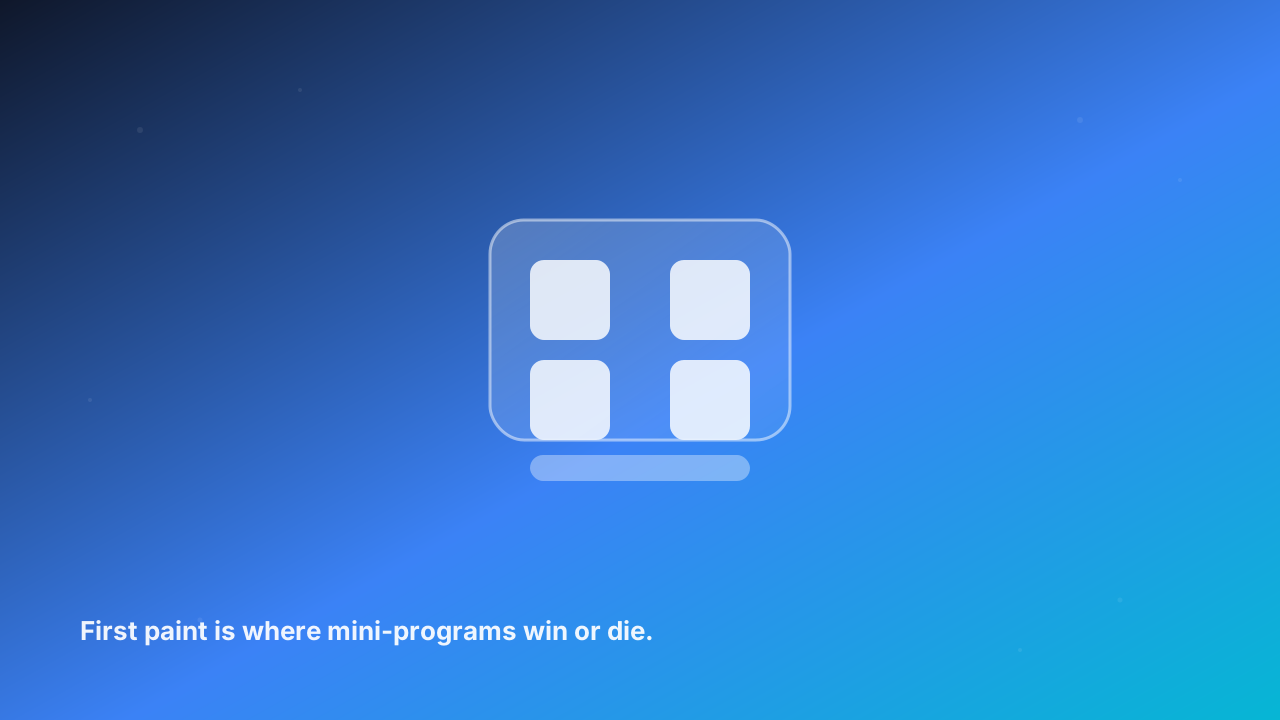
We looked at a catalog of mini-games served inside Southeast Asian super apps, and the worst moment wasn't a crash or a bug. It was the loading screen. Around 40% of people who tapped an icon never saw the first interactive frame — they bounced while the spinner was still turning. Nobody filed a complaint. They just left.
On the open web a slow site loses you rank and a few points of conversion. Inside a super app the stakes are sharper. There's no install step to build goodwill, and the user is one swipe from a dozen other mini-programs that do roughly the same thing. Attention in a super app is borrowed, not owned. The first screen is the whole relationship.
The three levers that actually matter
Most teams chase the wrong number. They optimize a route that's already fast and ignore the three things that decide first paint.
Package payload. A lot of frameworks ship their own runtime plus your code, so every mini-program drags 1–2 MB onto the device before a single pixel shows. If the host runtime is shared across every mini-program on the device, your package collapses to a few hundred KB. That's usually the single biggest win, and it's free if the platform handles it.
Parse and execute. Heavy top-level code, a giant synchronous loop, importing the entire UI kit when you only use three components — all of it runs before the user sees anything. Code-split by route, lazy-load what isn't on the first screen, and stop doing work at import time that could wait until it's needed.
The first data round-trip. This is the silent killer. Mini-programs that block first paint on an API call — and that API then waits on three downstream services — turn a 400 ms render into a 2 second stare at a skeleton. Render a shell first, then fetch. The eye accepts an empty frame far longer than a frozen one.
What a runtime changes
A host-owned runtime takes the three levers out of your hands in a good way. It pre-warms the JS engine once when the app launches, so your mini-program doesn't pay a cold-start tax every time it opens. It shares one core runtime across every mini-program on the device, which is why your package can be tiny. And the moment a user's thumb approaches an icon — sometimes before they even land — it prefetches the first data call.
That's the difference between a cold start and a warm one. We've watched first screens drop from the 2-second range to under 700 ms on a mid-range Android, the kind most of your users actually carry.
| Lever | Naive mini-program | Runtime-optimized |
|---|---|---|
| Package to download | 1.8 MB (own runtime) | 220 KB (shared) |
| JS engine | Cold start every open | Pre-warmed once |
| First paint | Blocked on first API | Shell first, data after |
| Repeat open | Re-download + re-parse | Cached shell + prefetch |
| Typical first screen | 2.1–2.8 s | 0.4–0.7 s |
The tradeoffs nobody mentions
Pre-warming the engine costs a little memory that sits idle until it's used. Prefetching wastes a request when a user taps and bounces before the data matters. Neither is free, and a careless platform will spend that budget on mini-programs the user never opens. The fix is to prefetch only what's actually likely to be tapped, and to let the cache evict aggressively. Pretending optimization has no cost is how teams ship a runtime that feels heavier than the problem.
Measure where your users are
Here's the thing: a first screen that's 600 ms on a flagship in a lab is 2 seconds on a €120 Android in Jakarta on a 4G signal that dips to 3G. If you measure in the wrong place, you'll report success while your real users bounce. Pull the median first-screen time from real devices, not simulators, and watch the 75th percentile — that's the number that's quietly killing your funnel.
A mini-program that opens instantly feels less like a website and more like a native feature. That's the whole pitch. Get the loading screen right and everything downstream — retention, conversion, word of mouth — has a chance to matter.
Sources
- web.dev — First Contentful Paint — the metric that best predicts whether a user waits or leaves; the same curve applies inside a mini-program runtime.
- MDN — Web performance — how parse, execution, and render blocking actually stall the first frame.
- WeChat Mini Program docs — framework overview — the 2 MB package ceiling that makes shared runtimes the only way to stay small.
- Think with Google — Mobile site speed — latency research showing delay converts directly into abandon.
- StatCounter — Mobile market share — why the median device in your market is not the one on your desk.