The crash that kills the whole app
Embed a WebView and the page lives in the same process as your native shell. A runaway script, an out-of-memory loop, or a rendering fault doesn't just break the page — it can take the entire app with it. The user loses your app, not just the content they opened.
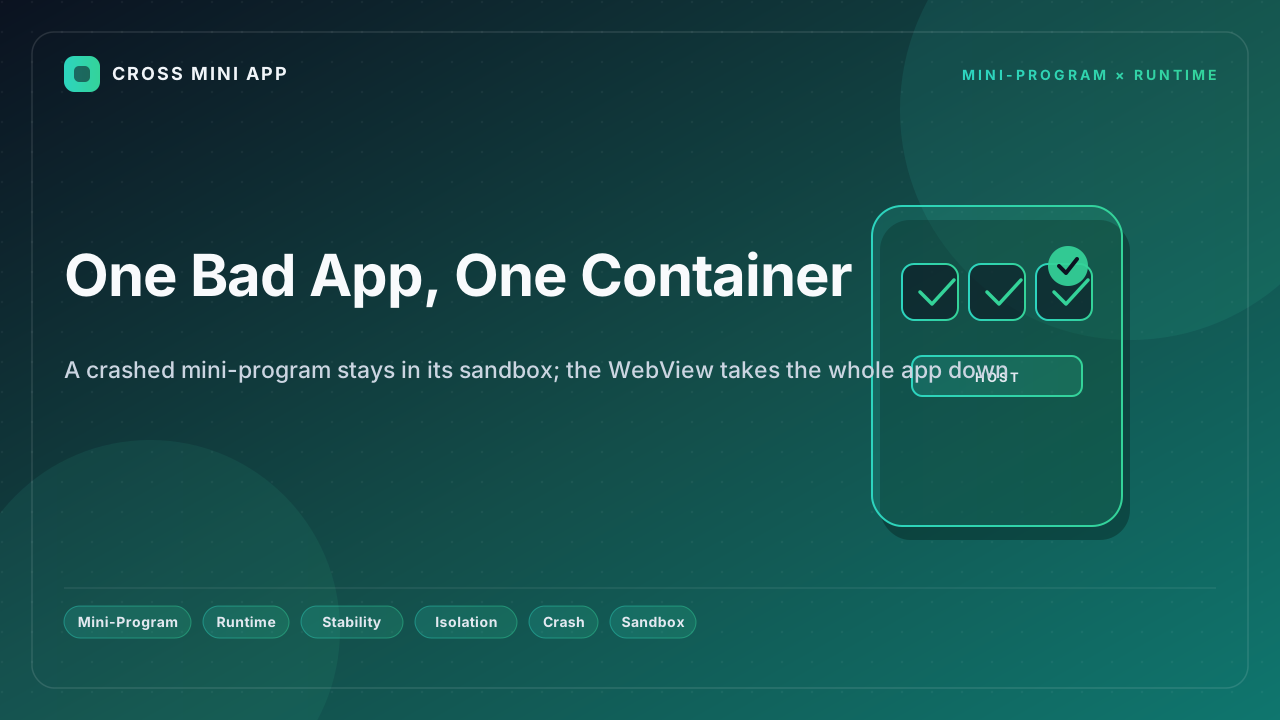
A mini-program runtime isolates each program in its own container. A fault stays where it started, and the host keeps running.
What container isolation is
The runtime gives every program a bounded sandbox: its own memory budget, its own lifecycle, and a crash boundary that does not leak into the host. Chrome's site isolation and Android's per-process WebView model describe the same principle at the browser level. WeChat documents independent mini-program rendering, and OWASP lists isolation as a baseline control.
Where the gap shows up
| Step | WebView (shared process) | Mini-program runtime (container) |
|---|---|---|
| Crash scope | Whole app | One program |
| Memory fault | Can kill host | Bounded to sandbox |
| Recovery | Restart app | Restart program |
| Blast radius | Everything | One container |
| User impact | Lost session | Kept in host |
The result is a fault that ends a screen, not a session.
Why containment beats shared fate
Isolation means one buggy program cannot drag the host down with it, so a vendor's bad build does not become your outage. It also means recovery is cheap — reload the program, not the whole app — and the user's place in the host is preserved.
How Cross Mini App applies it
Cross Mini App runs each program in its own sandbox, so a crash is contained to that program and the host keeps running. A bad build from one vendor stays one vendor's problem. You stop losing the whole app to one page and start isolating failure by default.
That is the difference between a crash that spreads and a crash that stops.