The door is different for H5
Open the same feature as an H5 page inside a WebView and as a mini-program, and the permissions behave differently. The H5 page lives in a browser engine constrained by the standard web security model: navigator.geolocation returns coarse position or fails on older Android WebViews, getUserMedia for the camera is gated or disabled, and payments bounce out to an external cashier. The mini-program version calls the same intent through a native bridge and it simply works.
This is not a code defect. It is the container. H5 negotiates capability through the browser's permission layer; the mini-program holds a platform-level capability whitelist that the runtime maps directly to native modules.
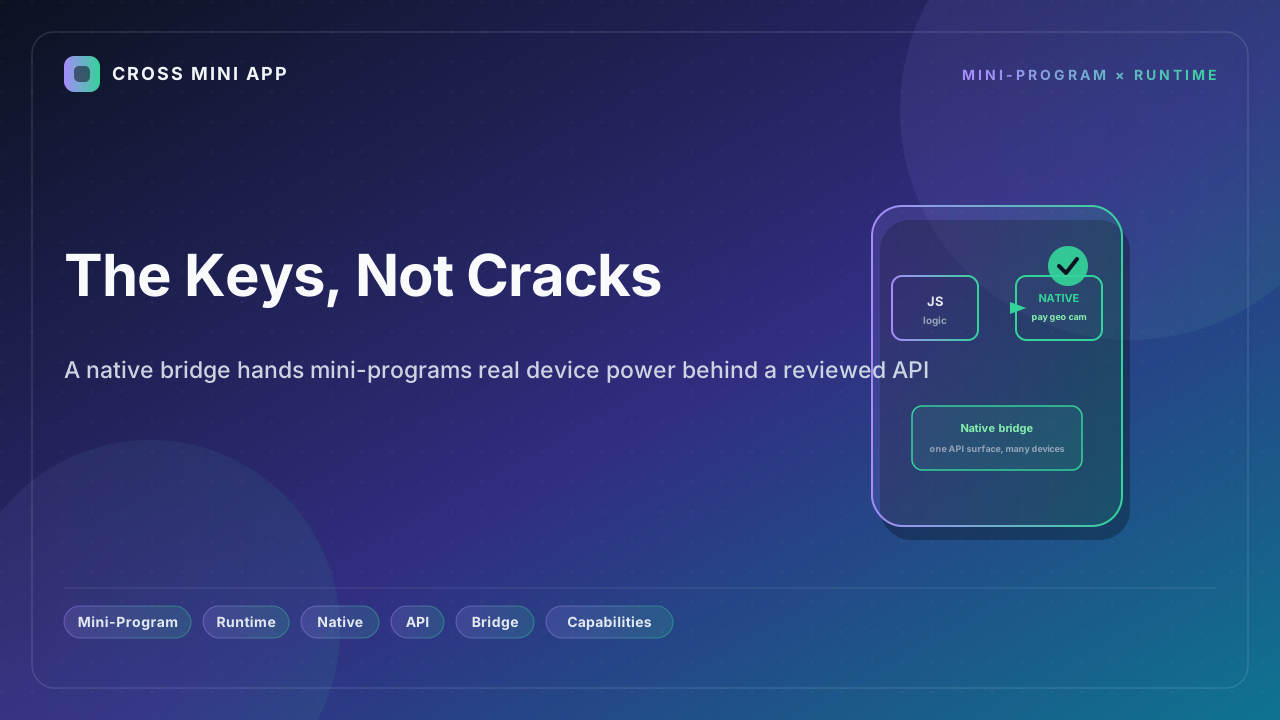
What a native bridge actually is
The runtime exposes device and platform capabilities through a single, reviewed API surface — the familiar wx.* family — instead of leaving each web page to re-litigate access with the browser. Behind that surface, the bridge routes a call to the native layer: payment, precise location, camera and scan, Bluetooth and NFC, file system, and biometrics. Each capability is declared up front, reviewed by the platform, and granted as a persistent, fine-grained permission rather than a per-session browser prompt.
The bridge is also the reason a mini-program can rival a native app in feel. Compute-heavy work — image processing, QR recognition, OCR, model inference — can be pushed to the native layer, and the result comes back through the same channel. Native plugins exist precisely to break past WebView limits and reach device power on par with a native app.
Where the gap shows up
| Capability | H5 in WebView | Mini-program runtime (native bridge) |
|---|---|---|
| Payments | External cashier or redirect, split flow | In-context native pay in one call |
| Location | navigator.geolocation, coarse, often fails | Precise, platform-reviewed getLocation |
| Camera and scan | getUserMedia gated, frequently blocked | Native chooseImage and scanCode |
| Bluetooth and NFC | Unavailable or tightly limited | Native bridge modules |
| Identity | OAuth hoops and manual taps | login plus one-tap phone number |
| Biometrics | None on the web | Native hardware-backed auth |
The pattern repeats across every platform that ships a mini-program runtime: the bridge is what turns "the web can sort of do it" into "the program just does it."
Why one surface beats per-page negotiation
A single reviewed API surface means a developer writes wx.requestPayment once and it works across devices and host apps, instead of maintaining a maze of browser fallbacks, JS-SDK signatures, and domain whitelists. It also means the platform can enforce policy at the boundary — capabilities are granted by review, not by whoever serves the document — which is exactly the trust model a super-app needs.
How Cross Mini App applies it
Cross Mini App gives programs a native bridge that exposes payment, location, camera, connectivity, and identity through one consistent wx.*-style surface, validated against policy before execution. Your code calls a capability; the runtime maps it to the right native module on the device it is running on. You get native power without writing native code, and users get a flow that does not fall through the cracks.
That is the difference between borrowing the browser's keys and holding your own: one hopes the door opens; the other turns it.
Sources
- CSDN Q&A — Why H5 in a WebView fails camera and location while the mini-program succeeds
- PHP.cn — Core differences between mini-programs and H5 in runtime, performance, and API permissions
- DuNiao Tech — Native plugin development: calling iOS and Android native capabilities from mini-programs
- CSDN Blog — H5 vs mini-program, from principles to selection: the API permission boundary